
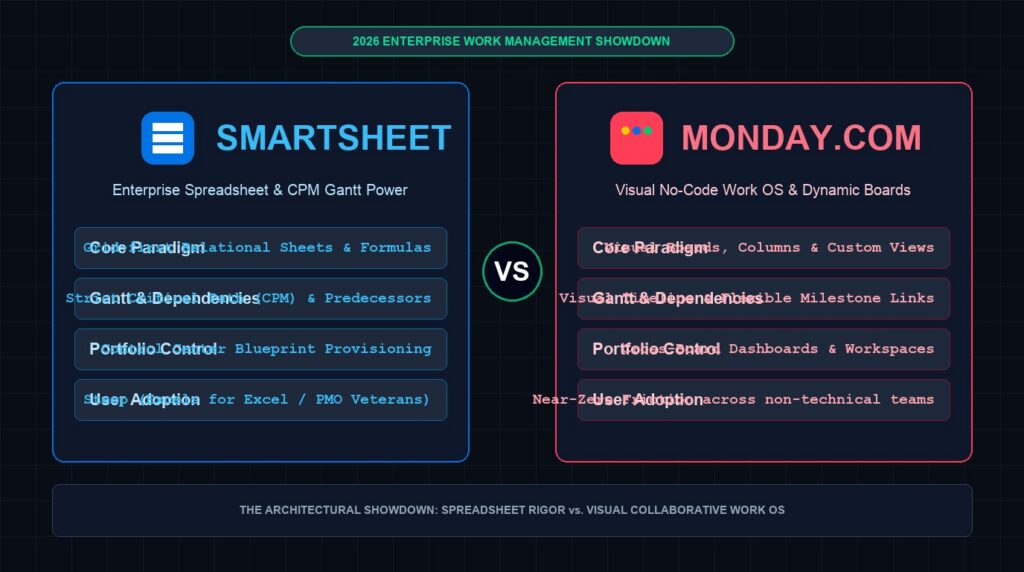
When scaling enterprise organizations outgrow Excel workbooks and disparate email threads, the search for a centralized work management platform inevitably leads to a clash of corporate cultures: Smartsheet, the NYSE-listed enterprise veteran built around a fortified, formula-driven spreadsheet engine; and Monday.com, the high-energy Work OS unicorn that turned project tracking into a colorful, highly visual drag-and-drop command center. While Smartsheet is the darling of certified Project Management Professionals (PMPs) and corporate PMOs who demand mathematical Critical Path Method (CPM) Gantt scheduling and cross-sheet cell linking, Monday.com has conquered cross-functional business departments by eliminating administrative intimidation. Having orchestrated portfolio governance setups across both ecosystems, here is the unfiltered architectural and operational reality of Smartsheet vs. Monday.com in 2026.
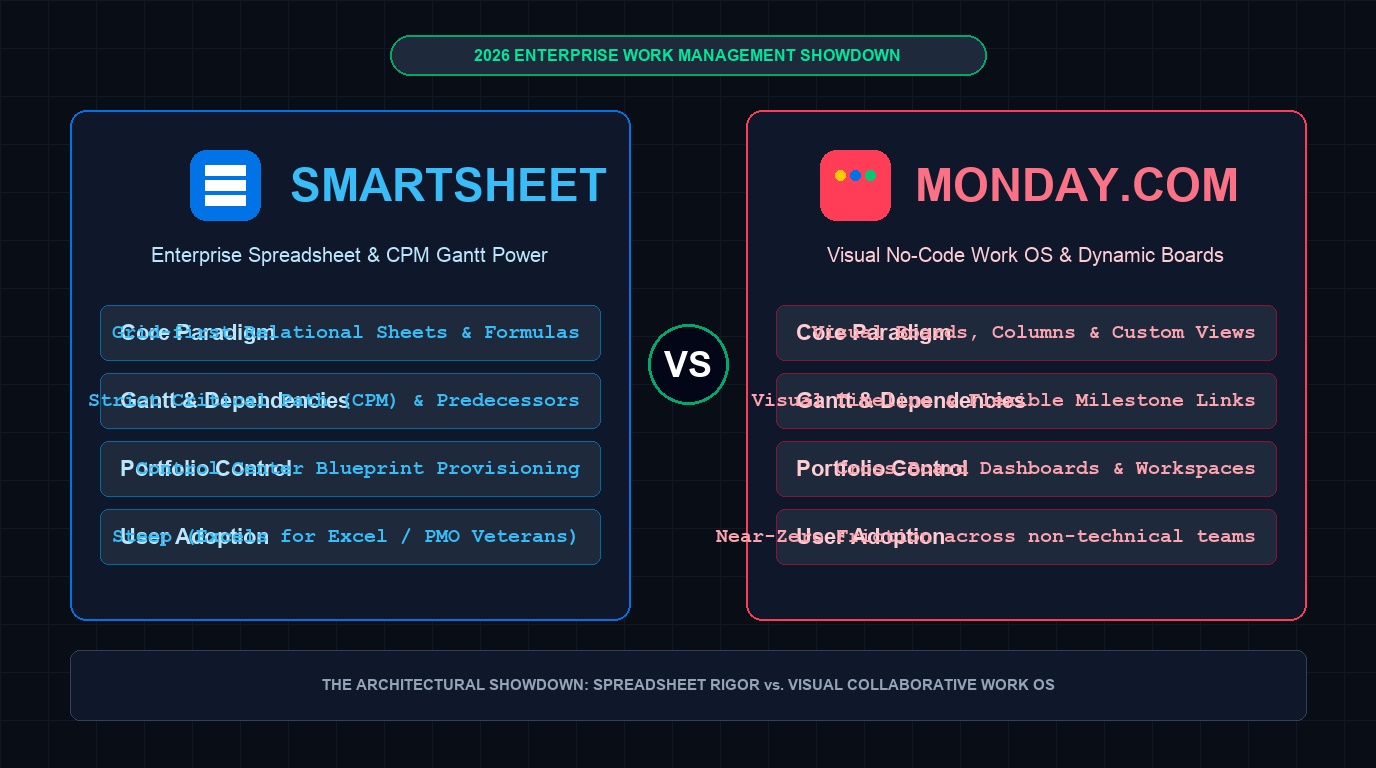
For Program Directors, Operations Leads, and Chief Information Officers, choosing between Smartsheet and Monday.com is not merely a question of visual styling. It determines whether your teams can execute enterprise-scale portfolio governance with automated blueprint provisioning (Smartsheet Control Center), whether casual non-technical stakeholders actually update their status tickets, and whether your software licensing bills scale predictably or inflate through hidden enterprise add-on packages.
The Fundamental Architectural Divide: Relational Spreadsheet Grid vs. Dynamic Visual Work OS
The operational divergence between Smartsheet and Monday.com begins at the core data modeling layer.
1. Smartsheet: The Enterprise-Grade Spreadsheet Engine
Founded in 2005, Smartsheet made a calculated bet: hundreds of millions of business professionals already know how to use Microsoft Excel, so an enterprise project management tool should mirror that familiar tabular mental model while infusing it with cloud collaboration:
- Grid-First Data Structure: In Smartsheet, the foundational unit is a “Sheet”—a grid of rows and columns with strict hierarchical indentation (parent and child tasks). You can write sophisticated Excel-style formulas directly into cells:
=INDEX(COLLECT(...), 1),=VLOOKUP(...), and multi-condition summaries. - Cell-Linking & Inter-Sheet Formulas: Cells in one sheet can dynamically reference or mirror cells across completely separate project sheets. When a project budget cell updates in an operational sheet, your executive PMO master sheet reflects the change instantly without requiring third-party webhooks.
- Compliance & Enterprise Fortress: Smartsheet is deeply entrenched in heavily regulated industries (healthcare, aerospace, federal government), offering Smartsheet Gov (FedRAMP Authorized) and native HIPAA compliance packages with customer-managed encryption keys.
2. Monday.com: The Modular Visual Work OS
Monday.com rejected the spreadsheet aesthetic, arguing that traditional rows and columns cause visual fatigue and lower employee engagement. Instead, Monday built an expressive, column-based “Work OS”:
- Color-Coded Board Paradigm: Monday organizes work into Boards composed of Items (rows) and customizable Columns (Status, People, Timeline, Numbers, Files, Dropdowns). Status columns pop with vibrant custom colors (Done, Working on it, Stuck), turning project overviews into instant visual heatmaps.
- Extensible Multi-View System: A single board can instantly morph between Kanban views, Gantt Timelines, Workload resource heatmaps, Map views, and Chart widgets without disrupting underlying data structures.
- The Monday Ecosystem: Beyond generic project management, Monday has branched into dedicated, pre-configured product suites: Monday Dev (for software sprints and bug tracking), Monday CRM (for sales pipelines), and Monday Service (for IT ticketing).
Gantt Charts & Project Scheduling: Mathematical CPM vs. Visual Timelines
For complex capital projects, construction management, and enterprise product launches, the depth of dependency tracking dictates whether deadlines hold or collapse.
| Scheduling Capability | Smartsheet | Monday.com |
|---|---|---|
| Dependency Engine | Rigorous PMP Standards (Finish-to-Start, Start-to-Start, Finish-to-Finish, Start-to-Finish with Lag/Lead days) | Visual Flexible Dependencies (auto-shifts dates; lacks advanced multi-type lag modeling) |
| Critical Path Method (CPM) | Native 1-click CPM toggle highlights the exact sequence of dependent tasks driving the project end date | Basic critical path visualization available on higher tiers (Pro/Enterprise) |
| Project Baseline Tracking | Full variance tracking comparing original planned start/end vs. real-time projected variance | Baseline snapshots available in Gantt view; less granular reporting across portfolios |
| Working Days & Non-Working Holidays | Customizable organizational calendars, working hours, and regional bank holiday blackouts | Standard weekend hide/show toggles; lacks regional multi-calendar holiday logic |
If your project schedule requires professional PMO rigor—such as calculating how a 4-day delay on a vendor shipment impacts the overall critical path across 500 dependent subtasks—Smartsheet is in a league of its own. It operates with the mathematical discipline of Microsoft Project, allowing project managers to input complex predecessor codes (e.g., 12FS + 3d) directly into cells.
Monday.com takes a more forgiving, visual approach. While its Gantt view is gorgeous and easy to adjust by dragging timeline bars, its dependency logic can struggle when handling multi-tier hierarchical dependencies. However, for 90% of business marketing campaigns, product feature launches, and event operations, Monday’s visual simplicity avoids the rigid dependency errors that often frustrate non-certified project managers. If you are comparing modern visual work platforms, see our breakdown of Monday.com vs. ClickUp and Monday.com vs. Asana.
Portfolio Management & Automation: Control Center vs. Cross-Board Dashboards
How easily leadership can aggregate data from hundreds of active projects into consolidated executive reports is the true benchmark of enterprise scalability.
Portfolio Governance & Automation Architecture:
- Smartsheet Control Center (The PMO Blueprint Engine): Available on Advance/Enterprise plans, Control Center allows organizations to standardize project intake. When an executive approves a project request in an intake sheet, Control Center automatically provisions a complete workspace: template sheets, reports, resource plans, and dashboards, while automatically linking metrics back to the portfolio summary sheet. Global updates allow administrators to roll out a new column or formula change to 500 active projects simultaneously.
- Monday.com Dashboards & No-Code Automations: Monday’s automation builder is arguably the most intuitive in the SaaS industry. Using natural sentence logic (“When Status changes to Done, notify Team Lead and move Item to Archive”), business users can build sophisticated multi-step workflows without touching code. Monday Dashboards can pull widgets from up to 50 separate boards (on Pro/Enterprise tiers) to display company-wide workload distribution and budget consumption.
User Adoption & Team Ergonomics: The Culture War
The greatest software feature in the world is useless if team members refuse to log in and update their tasks.
The Smartsheet Adoption Challenge
Smartsheet’s greatest asset—its resemblance to Excel—is also its greatest cultural liability. Because it looks like an enterprise spreadsheet, casual team members, creative designers, and younger knowledge workers often view it as sterile, intimidating corporate bureaucracy. Without strict cell locking and column permissions, users frequently paste over complex formulas, breaking downstream rollups.
The Monday.com Adoption Advantage
Monday.com is engineered for viral, bottom-up user adoption. Its tactile, micro-animated interface provides genuine dopamine hits when tasks turn bright green (“Done”). Teams across Marketing, HR, Customer Success, and Sales readily adopt Monday without formal training. If your goal is cross-functional transparency where every department actively maintains its own project queue, Monday.com consistently outperforms Smartsheet in voluntary daily active usage.
Pricing & Total Cost of Ownership (TCO)
Both platforms use tiered per-user subscription models, but their seat structures and enterprise add-ons carry significant financial implications.
| Tier / Plan | Smartsheet (Per User / Mo, Billed Annually) | Monday.com (Per User / Mo, Billed Annually) |
|---|---|---|
| Starter / Basic Tier | Pro Plan (\$9/user/mo): Up to 10 users, unlimited sheets, forms, automated workflows | Basic Plan (\$9/user/mo): Unlimited boards, 5GB storage, prioritized for task lists (min 3 seats) |
| Core Mid-Tier | Business Plan (\$19/user/mo): Unlimited collaborators, resource management, document builder, proofing (min 3 seats) | Standard Plan (\$12/user/mo): Timeline & Gantt views, calendar, 250 automations/month, multi-board dashboards (combine 5 boards) |
| Advanced / Power Tier | Enterprise / Advance Plan: Custom quote; includes Control Center, Dynamic View, Bridge automation, SSO, audit reports | Pro Plan (\$19/user/mo): Private boards, workload tracking, formula columns, 25,000 automations/mo, dashboards combining 10 boards |
| Free Collaborator Policy | Generous Free User Model: Unlicensed users can view, edit, and update sheets assigned to them for free | Restricted: Paid seats required for internal collaborators; limited free “Viewer” accounts are read-only |
One major cost advantage for Smartsheet is its Free Collaborator model: only project managers who create and architect sheets require paid licenses. Team members who merely open sheets to update rows, fill out update requests, or submit intake forms do not incur seat fees. On Monday.com, nearly every internal team member who needs to actively edit items, move columns, or participate in workflows must hold a paid license (sold in fixed seat brackets of 3, 5, 10, 15, etc.). For teams comparing other agile and engineering platforms, check our breakdown of Asana vs. Jira and Notion vs. Linear.
Feature-by-Feature Showdown
| Feature / Capability | Smartsheet | Monday.com |
|---|---|---|
| Primary Data Interface | Spreadsheet Grid with formula functions | Dynamic Visual Board with status columns |
| Formula Sophistication | Complete Excel parity (INDEX/MATCH, cross-sheet cells) | Formula column available on Pro+; limited cross-board lookups |
| Regulatory Compliance | FedRAMP Authorized, HIPAA, ISO 27001, SOC2 Type II | HIPAA (Enterprise tier only), SOC2 Type II, ISO 27001 |
| No-Code Automation Builder | Visual alert/update rules; Bridge for advanced API logic | Best-in-class natural language conditional trigger builder |
| Mobile Application Experience | Functional tabular viewer; editing dense sheets on phone is cumbersome | Fluid, highly responsive iOS & Android apps optimized for quick taps |
When to Choose Smartsheet vs. Monday.com
Choose Smartsheet If:
- Your organization is governed by a formal PMO: You employ certified PMPs who demand strict Critical Path Method (CPM) scheduling, lag/lead predecessor calculations, and formal baseline variance tracking.
- Your workflows are mathematically intensive: You track multi-million dollar capital expenditure budgets, construction timelines, or operational supply chains that rely on complex cross-sheet Excel formulas and cell linking.
- You operate under strict federal or healthcare compliance: You require FedRAMP authorization (Smartsheet Gov) or turnkey HIPAA agreements with customer-controlled encryption keys.
- You want to minimize per-seat license costs for contributors: You have 20 project architects who build plans and 500 team members who only need to update row statuses for free.
Choose Monday.com If:
- High cross-functional user adoption is your primary objective: You want a platform that Marketing, Creative Design, HR, Sales, and Operations will immediately love and actively maintain without complaints.
- Visual clarity and executive dashboards matter most: You want colorful status heatmaps, multi-board executive dashboards, and instant Kanban views that present project health at a single glance.
- You want powerful no-code automations without technical training: You want any department coordinator to be able to build automated email alerts, multi-board item moves, and webhook dispatches in seconds.
- You are unifying CRM, IT helpdesk, and project delivery: You want to leverage Monday’s ecosystem (Monday Dev, Monday CRM) under one unified organizational contract.
Frequently Asked Questions
Can Smartsheet replace Microsoft Excel completely?
For operational project tracking, collaborative task management, and budget monitoring, yes. Smartsheet provides near-complete parity with Excel formulas while adding real-time multi-user editing, automated alerts, and audit histories. However, for raw financial modeling with millions of data rows or complex macro scripting (VBA), standalone Excel or specialized databases remain necessary.
Is Monday.com suitable for large enterprise organizations?
Yes. Monday.com’s Enterprise plan supports enterprise-grade governance, 99.9% SLAs, advanced audit logs, SCIM user provisioning, HIPAA compliance, and dashboards pulling metrics from up to 50 active boards simultaneously. Many Fortune 500 enterprises deploy Monday across thousands of knowledge workers.
Can I import existing Excel spreadsheets into both tools?
Yes. Both platforms provide 1-click Excel and CSV import wizards. Smartsheet maps Excel columns and formulas with exceptional fidelity, while Monday.com maps columns into its visual column types (Status, Date, Numbers, People).
Does Smartsheet have a native Kanban board view?
Yes. Smartsheet includes a “Card View” that transforms your sheet rows into Kanban cards grouped by any dropdown column (such as Status, Assigned To, or Priority). Any changes made in Card View automatically synchronize with Grid View.

2 Responses
I have been searching for a fun gaming hub that actually delivers on its promises and this place nailed it. The graphics are crisp, loads fast, and there is something for every type of player. It is become my go to for late night sessions. Visit the site zs555game
For single-user local inference, memory bandwidth is king. If you need maximum throughput, stick to GGUF with Metal/CUDA offload or test MLX if you’re on Apple Silicon.