
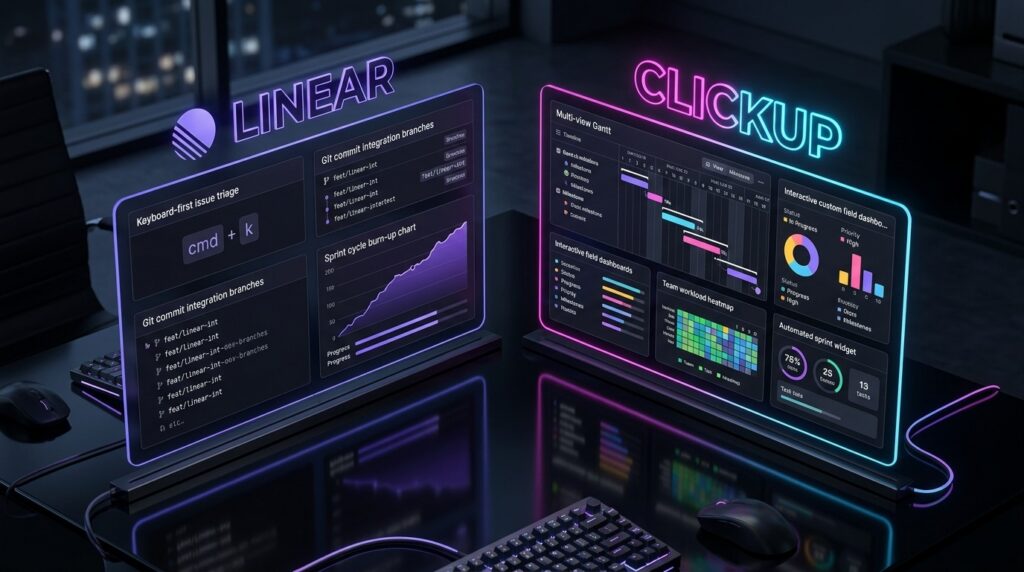
If you walk into a high-growth tech startup, you will immediately witness an ideological civil war between product engineering and business operations. Software engineers and product designers want a lightning-fast, keyboard-driven interface that stays out of their way, syncs with GitHub branches, and requires zero administrative maintenance: they want Linear. Meanwhile, marketing directors, project managers, and executive leadership demand Gantt charts, custom form intakes, automated client reporting, and resource capacity heatmaps: they want ClickUp. In 2026, choosing between Linear and ClickUp is not just about comparing feature checklists—it is a choice between extreme, opinionated focus and all-in-one operational flexibility.
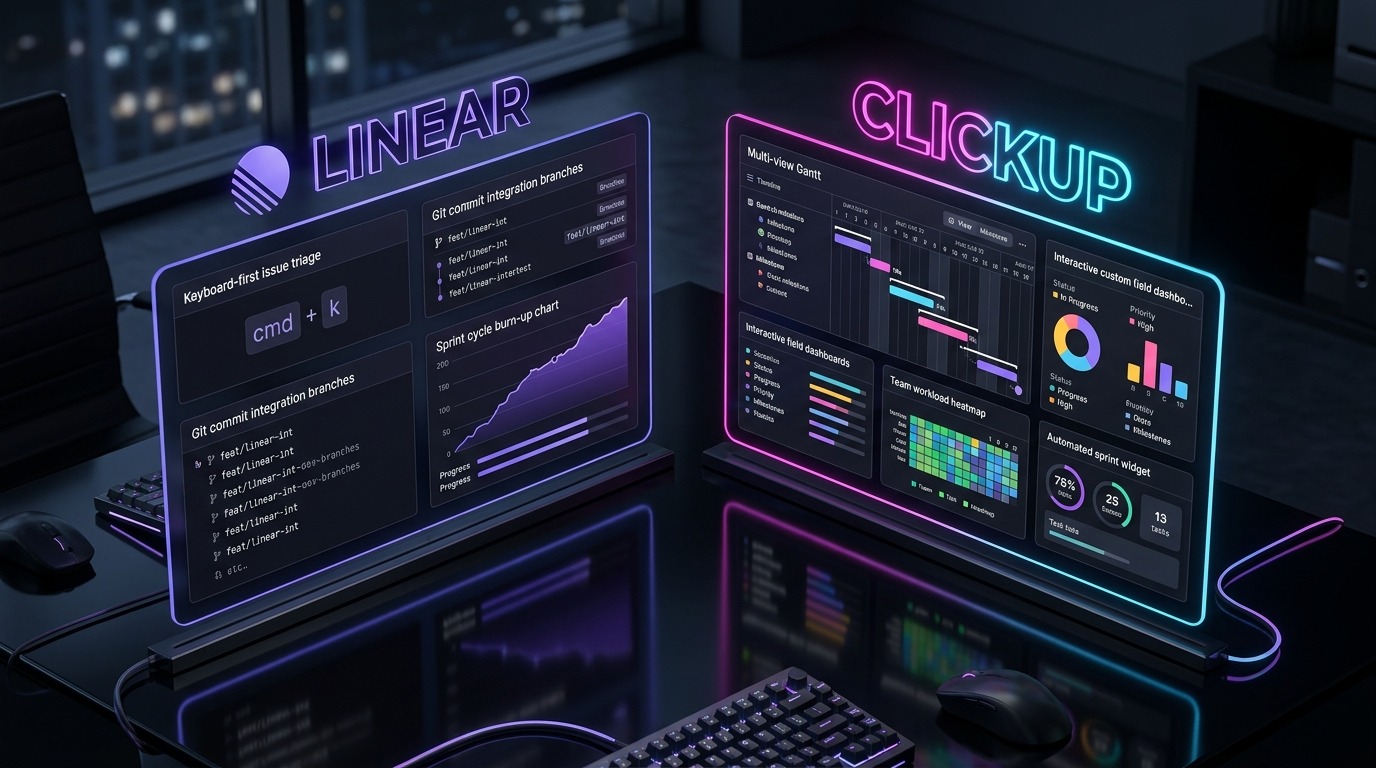
As productivity and agile workflow consultant Samantha Johnson, I have watched dozens of companies migrate back and forth between these two tools. Teams frequently adopt ClickUp because it promises to replace five separate subscriptions (Jira, Asana, Notion, Miro, and Slack). Six months later, engineering velocity plummets under custom-field clutter and UI latency, prompting technical teams to break away to Linear. Conversely, teams that force their entire non-technical company onto Linear quickly realize that marketing campaigns and HR onboarding pipelines do not fit into software bug cycles. Here is a definitive, hands-on breakdown to help you determine which tool fits your organization.
Core Philosophy & Architecture: Local-First Speed vs. All-in-One Customization
To understand why user sentiment differs so drastically between these platforms, you have to look at their software architecture and design principles:
Linear was engineered with a radical premise: project management tools should feel like high-performance developer code editors. Built on a local-first synchronization architecture, every issue, comment, and cycle state is cached locally in IndexedDB on the client machine. When you navigate issues, search via the Cmd + K command palette, or filter by tags, UI response times are under 50 milliseconds. There are no spinners, page reloads, or round-trip server queries blocking your interaction. Writes occur optimistically on the client and sync asynchronously via WebSockets. Crucially, Linear is intentionally opinionated: it enforces a standardized product development workflow (Triage, Backlog, Todo, In Progress, In Review, Done) with minimal configuration options to eliminate administrative bike-shedding.
ClickUp operates on the exact opposite philosophy: extreme, unconstrained customization. ClickUp positions itself as “the one app to replace them all.” A single workspace can host hundreds of Spaces, Folders, and Lists, each with independent custom fields, statuses, task types, and permissions. You can view the same dataset across 15+ different visualizations: List, Board, Gantt, Calendar, Timeline, Workload, Whiteboard, and Mind Map. However, this flexibility comes with an architectural tax. Despite major performance improvements in ClickUp 3.0, loading deeply nested workspaces with dozens of formula fields, automations, and custom rollups introduces noticeable rendering latency compared to Linear’s raw client-side speed.
| Dimension & Metric | Linear | ClickUp (ClickUp 3.0) |
|---|---|---|
| Core Philosophy | Opinionated, high-velocity product & issue tracking | Modular, all-in-one customizable workspace |
| UI Architecture | Local-first sync engine (<50ms response, zero lag) | Cloud-rendered multi-view workspace (DOM-heavy) |
| Navigation Model | Keyboard-first (Command menu Cmd + K, single-key shortcuts) |
Point-and-click sidebar navigation & modal dialogs |
| Git & PR Automation | Native deep bi-directional GitHub/GitLab integration | Standard webhook & commit-message task linking |
| Cross-Functional Suitability | Product, Engineering, Design only | All departments (Marketing, Sales, Operations, HR) |
| Task Customization | Strict standard fields + custom labels/estimates | Unlimited custom fields, custom task types, rollups |
| Native Documentation | Linear Documents (Product specs linked to projects) | ClickUp Docs (Full wiki, nested pages, live co-authoring) |
Developer Experience & Git Workflow Integration
For engineering organizations, issue tracking cannot exist in isolation from code repositories. The speed of the developer feedback loop determines overall deployment velocity.
Linear: Flawless Git Automation
In Linear, developers rarely need to open the web app to manage ticket hygiene. When an engineer clicks an issue, pressing Cmd + Shift + . automatically copies a formatted Git branch command directly to the clipboard:
# Auto-generated branch name from Linear
git checkout -b sam/eng-142-optimize-redis-cache-layer
Linear’s native GitHub and GitLab integration understands modern PR lifecycles out of the box:
- Draft PR Opened: The Linear issue automatically transitions to In Progress.
- PR Marked Ready for Review: The issue shifts to In Review.
- Review Approved: Reviewers and assignees receive contextual Slack or desktop alerts.
- PR Merged to Main: The issue closes automatically, links the commit SHA, and rolls into the active cycle’s completed velocity metrics.
ClickUp: Capable but Manual
ClickUp integrates with GitHub, GitLab, and Bitbucket, allowing you to link pull requests and commit messages by prefixing them with task IDs (e.g., #cu-86b2x9). While you can configure ClickUp Automations to change task statuses when a PR is merged, the integration lacks deep awareness of PR review states, CI build failures, or draft branches. Engineers must still manually manage status transitions or rely on complex Zapier webhooks.
Sprint Cycles vs. All-Department Workflows
How teams plan and execute work is another fundamental point of divergence:
Linear Cycles: Linear rejects traditional heavy Scrum ceremonies in favor of continuous, non-blocking Cycles (typically 1 or 2 weeks). In Linear, incomplete issues at the end of a cycle do not require a grueling 90-minute sprint rollover meeting. Unfinished tasks automatically carry forward to the next cycle or return to the backlog, while cycle analytics calculate realistic predictive velocity based on historical completion rates.
ClickUp Sprints & Project Management: ClickUp offers enterprise-grade agile tools including Sprint Points, Sprint Folders, and burndown/burnup reporting. Where ClickUp excels is managing multi-stage creative and operational workflows that Linear cannot model: marketing campaign launches with external guest reviewers, client-facing approval forms, time tracking with billable hourly rates, and workload capacity management across a 50-person agency.
The Hidden Traps & Pitfalls of Both Platforms
Neither tool is without its organizational failure modes. Here is where teams run into trouble:
The ClickUp Trap: Feature Bloat & Workspace Decay
Because ClickUp allows anyone to create custom fields, custom statuses, and nested folders, workspaces quickly suffer from “customization entropy.” Without a full-time workspace administrator enforcing taxonomy standards, different teams build conflicting status workflows. Furthermore, running multiple heavy ClickUp views on browser tabs consumes significant RAM, leading to UI stutter and notification fatigue.
The Linear Trap: The Non-Technical Barrier
Linear is built exclusively for product, engineering, and design. It intentionally lacks Gantt charts with dependency slack calculations, client approval portals, native billing hours, and tabular spreadsheet calculations. If your leadership attempts to force non-technical teams (Content Marketing, HR, Finance, Legal) onto Linear, those teams will universally revolt or revert to tracking their tasks in Google Sheets.
Pricing & Total Cost of Ownership (TCO)
Both platforms offer transparent per-seat subscription models, but their add-ons and feature gates differ:
Linear Pricing:
- Free Tier: Unlimited users, but capped at 250 active issues (great for initial evaluation).
- Standard ($8/user/month billed annually): Unlimited issues, unlimited file uploads, GitHub/GitLab integration, and cycle analytics.
- Plus ($14/user/month): Advanced SLAs, SOC2 compliance, SAML/SSO, and Linear Asks (turning internal Slack messages directly into actionable, triageable tickets).
ClickUp Pricing:
- Free Forever: 100 MB storage, unlimited tasks, limited to 5 spaces.
- Unlimited ($7/user/month): Unlimited storage, unlimited spaces, guests with permissions, resource workload view.
- Business ($12/user/month): Google SSO, advanced public sharing, custom exporting, advanced automations.
- ClickUp Brain (AI Add-on): Additional $7/user/month across all paid tiers for AI task summarization and automated standups.
The Definitive Decision Matrix for 2026
Choose Linear If:
- You are building a pure software, SaaS, or tech-enabled product team (10 to 500 engineers and designers).
- Your team values speed above all else and wants sub-50ms keyboard-driven navigation (
Cmd + K). - You want tight, zero-configuration synchronization with GitHub/GitLab pull requests and branch creation.
- You want to eliminate sprint planning bureaucracy and let developers focus on continuous, momentum-driven cycles.
Choose ClickUp If:
- You need a single project management platform for your entire organization (Marketing, Operations, HR, Sales, and Design).
- You manage client-facing services, creative agencies, or multi-stage approval processes requiring guest portals.
- Your workflows require complex Gantt dependencies, native time tracking, billable hourly rates, and custom form intakes.
- You want an all-in-one workspace that consolidates task management, collaborative document wikis, and visual whiteboards under one roof.
Frequently Asked Questions
Can non-technical teams use Linear effectively?
Generally, no. While design and product teams thrive in Linear, marketing and operational departments struggle due to the absence of spreadsheet-style formulas, Gantt resource timelines, and flexible custom task hierarchies. Most scaling startups pair Linear for engineering with Notion or Asana for company-wide operations.
Is ClickUp fast enough for software engineering teams in 2026?
ClickUp 3.0 has significantly improved rendering speed and search indexing. However, because it renders a complex multi-view DOM with custom fields, it cannot match the sub-50ms local-first responsiveness of Linear’s client-side cache.
How does Linear handle bug reporting and customer support tickets?
Linear features Linear Asks, an integrated workflow that allows internal teams to turn Slack messages or Zendesk/Intercom support tickets directly into Linear issues without context switching. Triage leads can then review, prioritize, or merge duplicate bug reports seamlessly.