

Free software has a reputation problem. Most people assume free means limited, clunky, or a stripped-down version of something better. In project management, that assumption costs small teams real money because several of the best free project management tools available today are genuinely capable platforms, not trial bait best free project management tools.
The distinction worth making is between tools that are free as a growth strategy and tools that are free because they cannot compete on paid tiers. The first category gives you a fully functional product with the expectation that you will upgrade when your team scales. That is the category this page covers.
If you are still deciding which type of tool fits your operation before looking at pricing, the best project management tools guide for 2026 walks through the full evaluation framework for small business teams.
What free actually means in project management software
Before comparing platforms, it helps to understand what free tiers are actually designed to do. Most SaaS companies offer a free plan to reduce the barrier to entry. They want you inside the product, building habits around it, so that when your team grows or your needs expand, upgrading feels natural.
That business model works in your favor as a small team. You get a real product with real features, and you only pay when the constraints become genuine friction not before.
The free tiers worth your attention share a few common traits. They support multiple users without a hard paywall. They include core features like task assignment, due dates, and at least one project view. And they integrate with at least one communication tool so the system connects to where your team already works.
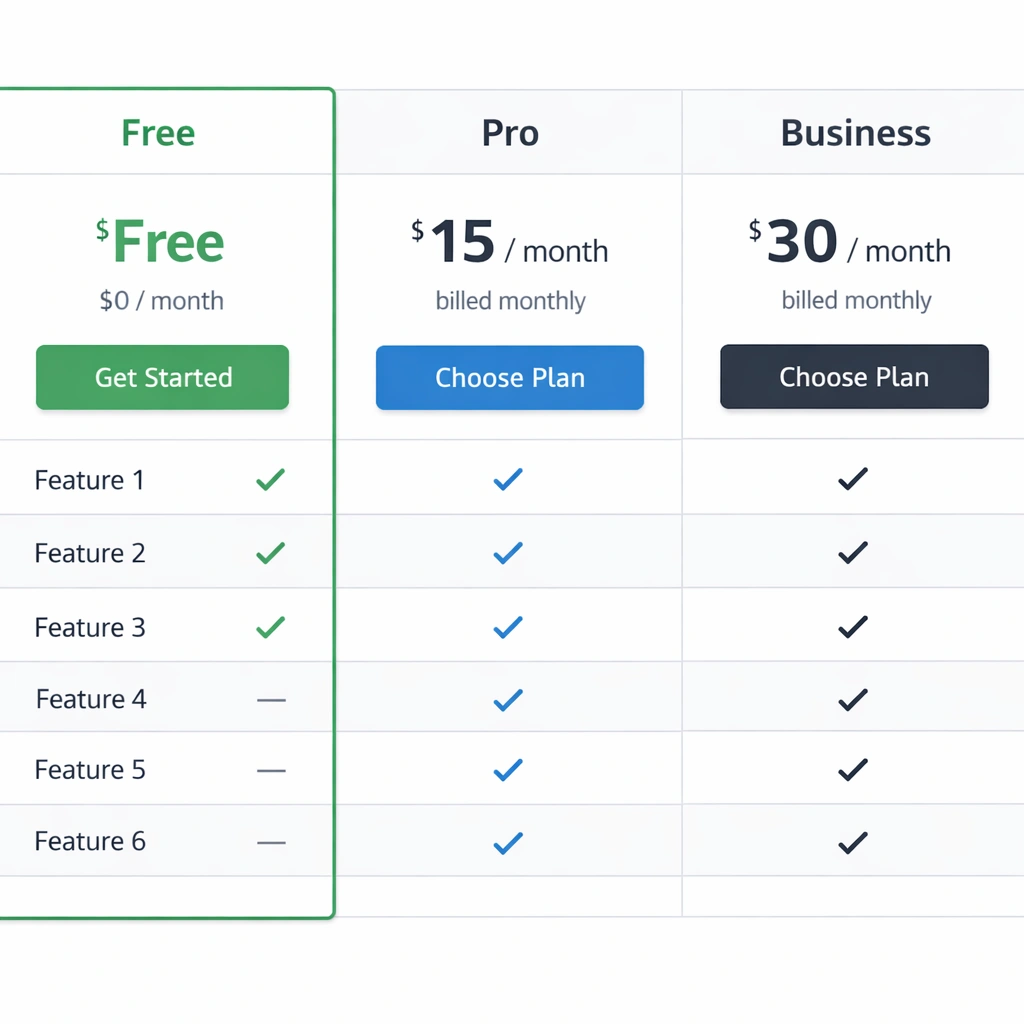
The best free project management tools worth using in 2026
Trello free the easiest starting point
Trello’s free plan is one of the most accessible entry points in project management. You get unlimited cards, up to ten boards per workspace, and the core kanban functionality that makes Trello useful. For a small team running a handful of projects with straightforward workflows, that is often enough.
The limitation that surfaces fastest is the one Power-Up restriction per board. Power-Ups are Trello’s integration and feature extension system. On the free plan, you have to choose between your calendar view, your Slack integration, or your automation rules you cannot stack them. That single constraint pushes most growing teams toward the standard plan relatively quickly best free project management tools.
For pure simplicity and fast onboarding, Trello free remains the strongest option in its category.
ClickUp free forever the most generous free tier
ClickUp’s free forever plan is the most feature-rich free offering in this space. You get unlimited tasks, unlimited members, two-factor authentication, collaborative docs, whiteboards, and 100MB of storage. For a small team that wants a single platform to replace multiple tools, this plan covers a surprising amount of ground.
The automation limit on the free plan is 100 uses per month. For a team just getting started, that is workable. Once you build out recurring workflows and multi-step automations, you will hit that ceiling. The unlimited plan at $7 per user per month removes that constraint entirely.
For teams comparing ClickUp against its direct competitors before committing, the Asana vs Monday vs ClickUp comparison breaks down exactly where each platform wins and where it falls short.
Notion free for teams that live in documents
Notion’s free plan covers individual use and small team collaboration well. You get unlimited pages and blocks, basic page analytics, and the ability to share pages publicly. The database functionality which is where most of the project management utility lives is fully accessible on the free plan.
What changes on paid tiers is primarily version history, advanced permissions, and guest access controls. For a small internal team with no external collaborators, those limitations rarely matter in the early stages.
Notion rewards teams that invest time in building their workspace structure. If you are willing to set up templates and define how your team uses databases consistently, the free plan can run a serious operation.
Asana free strong for task-focused teams
Asana’s free plan supports up to 15 users, which is generous relative to most competitors. You get unlimited tasks, projects, messages, and activity logs. The list and board views are both available. For teams that primarily need to assign work, track deadlines, and communicate around tasks, the free tier handles all of that cleanly best free project management tools.
What Asana gates behind paid plans is timeline view, reporting dashboards, and workflow automation. Those are meaningful features for teams managing complex projects with dependencies, but they are not day-one requirements for most small teams.
Asana’s interface is clean and its mobile app is one of the better ones in this category, which matters for teams that manage work on the go.

Where free plans consistently fall short
Understanding the trade-offs of free tiers saves you from building a workflow around a tool only to discover a hard wall six months later. Here are the constraints that surface most often:
Automation limits. Free plans either cap the number of automation runs per month or restrict which triggers and actions are available. If your workflow depends on automatic task creation, status updates, or deadline reminders, verify the automation ceiling before committing. The project management tools with automation page covers which platforms offer the most automation depth at every price point.
Reporting and analytics. Free tiers almost universally strip out advanced reporting. If you need workload views, time tracking summaries, or cross-project dashboards, plan for a paid upgrade.
Guest and client access. Many tools limit how many external collaborators can view or interact with your workspace on a free plan. If you work with contractors or share project visibility with clients, this becomes a constraint faster than most teams expect.
Storage. File storage caps on free plans range from 100MB to 5GB depending on the platform. For teams that attach documents, images, and assets directly to tasks, storage limits become real friction within a few months.

How to choose the right free tool for your team
The right free plan is not the one with the longest feature list. It is the one your team will actually use consistently. Here is a practical way to narrow it down:
Start with your team size. Asana’s 15-user limit on the free plan makes it the natural choice for slightly larger small teams. Trello and ClickUp have no user cap on their free tiers, which matters if your team fluctuates with contractors.
Match the tool to your project type. Repetitive, process-driven work fits ClickUp’s structured approach. Creative or content-heavy teams often gravitate toward Notion’s document-first model. Client-facing project teams tend to prefer Asana’s clean task interface best free project management tools.
Test adoption before optimizing. Pick one tool, run one real project through it for two weeks, and watch how the team responds. Adoption behavior in the first two weeks predicts long-term usage more accurately than any feature comparison.
For teams ready to move beyond choosing a tool and into building a system, how to set up a project management system covers the full implementation process step by step.
The bottom line
The best free project management tools in 2026 are not compromises. They are real products built by companies that want you to grow into their paid tiers and that incentive works in your favor. You get a functional system at zero cost, and you only upgrade when the constraints become genuine business friction.
Start free, build the habit, and let your actual workflow tell you when it is time to pay for more.
Conclusion
Free project management tools have matured to the point where cost is no longer a valid reason to run your team on spreadsheets and group chats. The platforms covered on this page give small teams a real operational foundation without a monthly invoice.
The decision is not really about finding the best free tool in the abstract. It is about finding the one that matches how your team thinks, communicates, and tracks work. Trello rewards simplicity. ClickUp rewards teams willing to invest in setup. Notion rewards teams that think in systems. Asana rewards clarity and clean task ownership.
Pick the one that fits your team’s natural rhythm, commit to it for 30 days, and measure adoption not features. A tool your team uses imperfectly every day is worth more than a perfectly configured system nobody opens.
When the free tier starts showing its limits, that is not a problem. That is a signal that your operation has grown to a point where a $7 monthly investment per person makes business sense. Until then, build the habit on what you have.
