
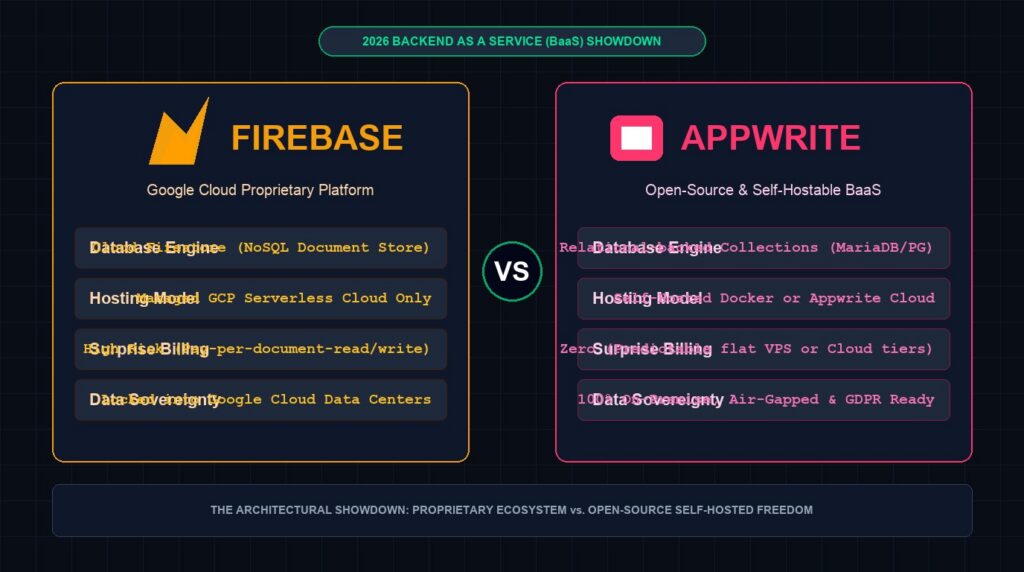
When scaffolding a modern web or mobile application, engineering teams face a decisive infrastructure crossroad: surrender backend complexity to Google’s proprietary cloud ecosystem with Firebase, or retain complete data sovereignty and predictable hosting bills with Appwrite, the leading open-source Docker-native Backend-as-a-Service (BaaS). While Firebase pioneered the modern developer-centric backend with Firestore and Firebase Auth, a decade of surprise billing horror stories, inflexible NoSQL query limitations, and intensifying European GDPR scrutiny have driven a massive migration toward self-hostable alternatives. Having deployed production applications serving millions of API requests across both platforms, here is the unfiltered architectural breakdown of Firebase vs. Appwrite in 2026.
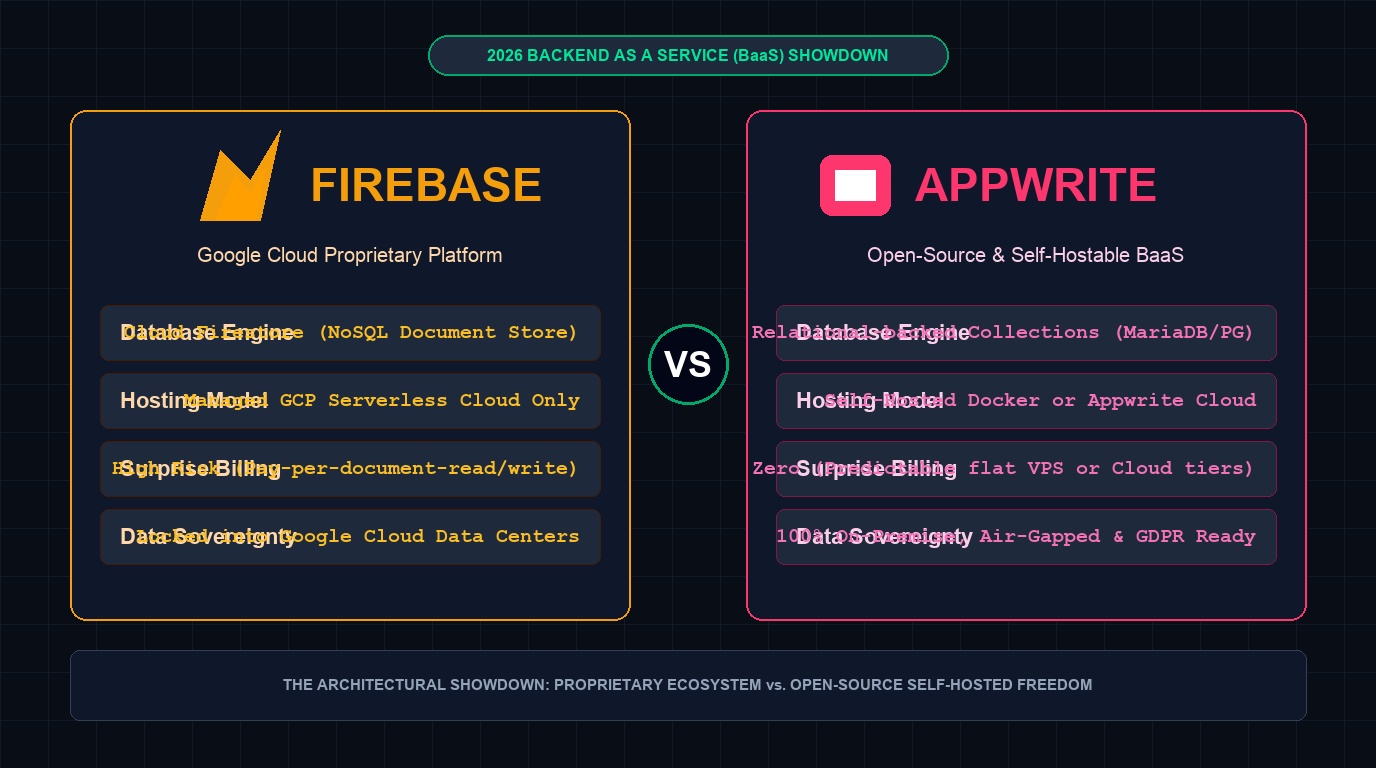
For startup founders and technical architects, the comparison between Firebase and Appwrite is not merely about SDK ergonomics. It determines whether your database costs scale predictably with your server hardware or fluctuate wildly based on client-side read loops, whether you can run air-gapped local development environments, and whether your core user data remains trapped inside Google Cloud Platform.
The Fundamental Architectural Divide: Proprietary Serverless vs. Portable Containerized BaaS
The operational philosophy separating Firebase and Appwrite stems from where their code runs and how their data layers are structured.
1. Firebase: Google’s Fully Managed Serverless Black Box
Acquired by Google in 2014, Firebase is not a standalone software product; it is an abstraction layer and developer-friendly wrapper over Google Cloud Platform (GCP) primitives (Cloud Firestore, Cloud Functions, Cloud Storage, and Google Identity Platform):
- Proprietary Infrastructure: You cannot download, inspect, or self-host Firebase. Your application’s uptime, regional availability, and API execution models are permanently tethered to Google Cloud datacenters.
- Cloud Firestore (NoSQL Document Store): Firestore structures data in hierarchical collections and documents. While horizontally scalable to millions of concurrent reads, it lacks native relational joins, ACID transactions across non-co-located documents, and full-text search without external third-party integrations like Algolia or Typesense.
- Google Cloud Identity & FCM: Firebase remains the gold standard for mobile push notifications via Firebase Cloud Messaging (FCM) and turnkey mobile authentication with Google Play integrity checks.
2. Appwrite: The Open-Source Docker Ecosystem
Appwrite was architected from day one as a direct, open-source alternative to Firebase. Packaged as a clean multi-container Docker Compose stack, Appwrite can be deployed on any virtual private server (Hetzner, DigitalOcean, AWS EC2) or consumed via the fully managed Appwrite Cloud:
- 100% Data Sovereignty: Because Appwrite is completely open-source (BSD-3-Clause), you own your code, databases, and deployment pipelines. You can run it on-premise, in an air-gapped intranet, or in European sovereign cloud regions to achieve strict GDPR, HIPAA, and SOC2 compliance.
- Relational Foundations with Document Ergonomics: Under the hood, Appwrite uses MariaDB (with PostgreSQL support in enterprise configurations) to store documents and collections. You get the flexibility of schema-less JSON document models with the integrity, indexing, and strict relational constraints of an enterprise SQL engine.
- Universal Language Runtimes: Unlike Firebase Cloud Functions, which historically prioritized Node.js and Python, Appwrite Functions natively execute across 13+ runtimes, including Node, Deno, Bun, Python, Go, Rust, Ruby, PHP, Dart, and Kotlin.
Database Models: Firestore NoSQL vs. Appwrite Relational Collections
Choosing between Firebase and Appwrite requires understanding how each system models, queries, and charges for your application’s data access patterns.
| Database Attribute | Firebase (Cloud Firestore) | Appwrite Databases |
|---|---|---|
| Data Paradigm | Document-based NoSQL (Collections > Documents > Subcollections) | Relational-backed Documents (Databases > Collections > Documents) |
| Schema Enforcement | Schemaless by default (Validation via Firebase Security Rules) | Strict Schema Attributes (String, Integer, Float, Boolean, Enum, Relationships) |
| Relational Queries & Joins | No native joins (Requires data denormalization and duplicate writes) | Native Two-Way Relationships (One-to-One, One-to-Many, Many-to-Many) |
| Query Invoicing Model | Charged per document read, write, and delete | Zero per-operation fees (Bounded solely by server CPU/RAM or plan) |
| Full-Text Search | Requires 3rd-party SaaS (Algolia / Elastic) | Built-in Fulltext Indexing on string attributes |
In Firestore, building a social feed where users like, comment, and repost content requires heavy data denormalization. If a post receives 50,000 views and you query the author’s profile on each render, you are billed for 50,000 document reads. A runaway useEffect hook or infinite scroll bug on a mobile app can rack up tens of millions of Firestore reads in hours.
In contrast, Appwrite’s built-in Two-Way Relationships allow you to define clean one-to-many and many-to-many associations between collections with cascade delete rules and eager population. Whether your query fetches 10 documents or 10,000, your hosting cost on a self-hosted VPS remains fixed. For developers comparing alternative open-source architectures, see our detailed showdown of Appwrite vs. PocketBase and Appwrite vs. Supabase.
Real-World Pricing & Total Cost of Ownership (TCO)
The economic models behind Firebase and Appwrite represent two completely opposing business philosophies.
The Firebase Pay-Per-Operation Trap
Firebase’s Blaze plan operates on a micro-transactional billing model:
- Document Reads: \$0.06 per 100,000 reads
- Document Writes: \$0.18 per 100,000 writes
- Cloud Functions: \$0.40 per million invocations + compute time (GB-seconds and GHz-seconds)
- Cloud Storage: \$0.026/GB + \$0.12/GB network egress
While the free Spark tier is generous for weekend hobby projects, scaling a real-time collaborative tool or high-traffic consumer app on Firebase creates unpredictable monthly liabilities. Spikes from search crawlers, automated integration tests, or DDoS attacks hit your credit card directly.
Appwrite: Flat-Rate Predictability
With Appwrite, you have two crystal-clear deployment paths:
- Self-Hosted ($5–$40/month): Deploy Appwrite via Docker Compose onto a \$10/month Hetzner or DigitalOcean droplet. You can execute 50,000,000 database queries, store 250 GB of user files, and run unlimited background tasks without paying an extra cent.
- Appwrite Cloud ($15/month Pro Plan): If you do not want to manage Docker servers, Appwrite Cloud provides a managed tier with 300 GB bandwidth, 150 GB storage, 3,500,000 function executions, and predictable \$15/seat monthly pricing with transparent, capped add-ons.
Authentication, Security Rules & User Management
Both platforms offer robust authentication systems, but their authorization models handle security in fundamentally different ways.
Auth & Permissions Architecture:
- Firebase Security Rules: Firebase uses a proprietary domain-specific language (DSL) written in
firestore.rules. While expressive, complex multi-tenant role-based access control (RBAC) requires executing auxiliary document lookups (get(/databases/$(database)/documents/users/$(request.auth.uid))), each of which counts as a billable document read! - Appwrite Role-Based Permissions: Appwrite embeds permissions directly into collections and documents using intuitive permission primitives:
Permission.read(Role.user(userId)),Permission.write(Role.team("engineering", "lead")), andPermission.read(Role.any()). Authentication supports email/password, magic URLs, phone SMS, 35+ OAuth2 providers, and hardware WebAuthn passkeys out of the box with zero complex DSL configuration.
Serverless Compute & Background Workflows
Modern applications require asynchronous background processing: image resizing, payment webhook processing, sending transactional emails, and invoking AI LLMs.
Firebase Cloud Functions
Firebase Functions are built on Google Cloud Run and Google Cloud Functions. While scaling to thousands of concurrent executions is seamless, they suffer from notorious cold start latencies (often 1.5 to 3 seconds for Node.js functions with heavy dependencies) and strict execution time limits. Furthermore, deploying functions requires the Firebase CLI to package and push code through Google Cloud Build, which frequently takes 2–4 minutes per deployment.
Appwrite Functions
Appwrite’s execution engine is built on isolated Docker containers managed by OpenRuntimes. You can trigger functions via HTTP requests, automated CRON schedules, or internal event listeners (e.g., whenever a new user registers or a document updates in a specific collection). In Appwrite 1.5+, functions support live streaming responses, making it exceptionally easy to build generative AI streaming assistants with models from OpenAI or local vLLM instances.
Feature-by-Feature Showdown
| Feature / Capability | Google Firebase | Appwrite |
|---|---|---|
| Software License | Proprietary Closed-Source (SaaS Only) | 100% Open-Source (BSD-3-Clause) |
| Self-Hosting & Portability | Impossible (Hard locked to Google Cloud) | Native Docker Compose on any VPS or bare metal |
| Realtime Subscriptions | Industry-leading WebSocket/gRPC streaming | Built-in Realtime WebSocket engine |
| Local Development | Firebase Local Emulator Suite (Java-based) | Exact production Docker stack running locally |
| Native Messaging / Push | Direct FCM & APNs integration | Appwrite Messaging (FCM, APNs, Twilio, SendGrid, Mailgun) |
| GDPR & Data Privacy | Complex (US cloud provider cross-border compliance) | Complete (Host anywhere within EU/local jurisdiction) |
When to Choose Firebase vs. Appwrite
Choose Firebase If:
- You are deeply entrenched in the Google Cloud ecosystem: You already utilize BigQuery, Cloud Run, and Google Workspace, and your team benefits from unified IAM permissions and GCP enterprise billing.
- You are shipping a fast mobile prototype: Firebase’s Flutter and iOS/Android SDKs remain the most battle-tested mobile libraries in existence, with unmatched offline cache synchronization.
- You have zero interest in infrastructure management: You never want to touch a Linux terminal, update Docker containers, or monitor database connection pools.
Choose Appwrite If:
- You demand strict predictability over infrastructure costs: You want to avoid the “Firestore bill shock” where unexpected usage spikes result in thousands of dollars in document read charges.
- Data sovereignty and privacy are non-negotiable: You handle European customer data, healthcare records, or sensitive intellectual property that must reside on private infrastructure within specific geographical borders.
- You want relational data integrity: You require two-way relationships, cascading deletes, strict schema attribute validation, and full-text search without paying for third-party search SaaS.
- You want local-first development parity: Running the exact same Docker containers on your MacBook M-series machine as you do on your production servers guarantees zero environment drift.
Frequently Asked Questions
Can I migrate from Firebase to Appwrite easily?
Yes. Appwrite provides official migration tools and CLI commands that allow you to import user accounts (including password hashes like scrypt and bcrypt), Firestore JSON document collections, and storage bucket files directly into an Appwrite instance with minimal downtime.
Is Appwrite Cloud as reliable as Google Firebase?
Appwrite Cloud runs on enterprise Kubernetes clusters distributed across global availability zones with automated backups and 99.99% uptime SLAs. While Google Firebase operates on larger global infrastructure, Appwrite Cloud matches its reliability for mid-market and high-growth SaaS workloads without the proprietary lock-in.
Does Appwrite support real-time data like Firebase?
Yes. Appwrite features a built-in Realtime API powered by WebSockets. Any client SDK (JavaScript, React, Vue, Flutter, iOS, Android) can subscribe to database collections, document changes, authentication events, or file uploads and receive sub-50ms reactive updates.
How does Appwrite compare to Supabase?
While Supabase exposes raw PostgreSQL via PostgREST and requires SQL proficiency, Appwrite provides a document-based collection API over relational engines, making it much closer in ergonomics and DX to Firebase. For a deeper technical comparison, read our breakdown of Appwrite vs. Supabase.