

The moment you ask a SAP vendor for pricing, the conversation gets complicated fast. SAP ERP cost is not a single number — it is a layered structure that includes licensing fees, implementation services, infrastructure, training, and ongoing support contracts. Most entrepreneurs only discover the full picture after they’ve already signed. Before getting into the numbers, it helps to understand what you are actually paying for by reviewing the SAP ERP system overview that breaks down what the platform delivers. This page gives you the SAP ERP cost breakdown vendors rarely volunteer, so you can budget with accuracy from day one.
Why SAP ERP pricing is deliberately complex
SAP does not publish a standard price list. That is not an accident. The pricing model is designed to be negotiated, which means the number on your proposal depends heavily on how informed you are walking into that conversation.
The complexity serves vendors more than buyers. When pricing is opaque, comparisons are difficult, budget underestimation is common, and scope creep becomes a reliable revenue stream for implementation partners. The entrepreneur who understands the full SAP ERP cost structure before entering any vendor conversation is the one who ends the negotiation with a defensible number.
There are five distinct cost categories in every SAP ERP investment. Missing any one of them in your budget produces a number that will not survive contact with reality.
software licensing
SAP licensing is the most visible cost and the one most frequently misrepresented in early vendor conversations.
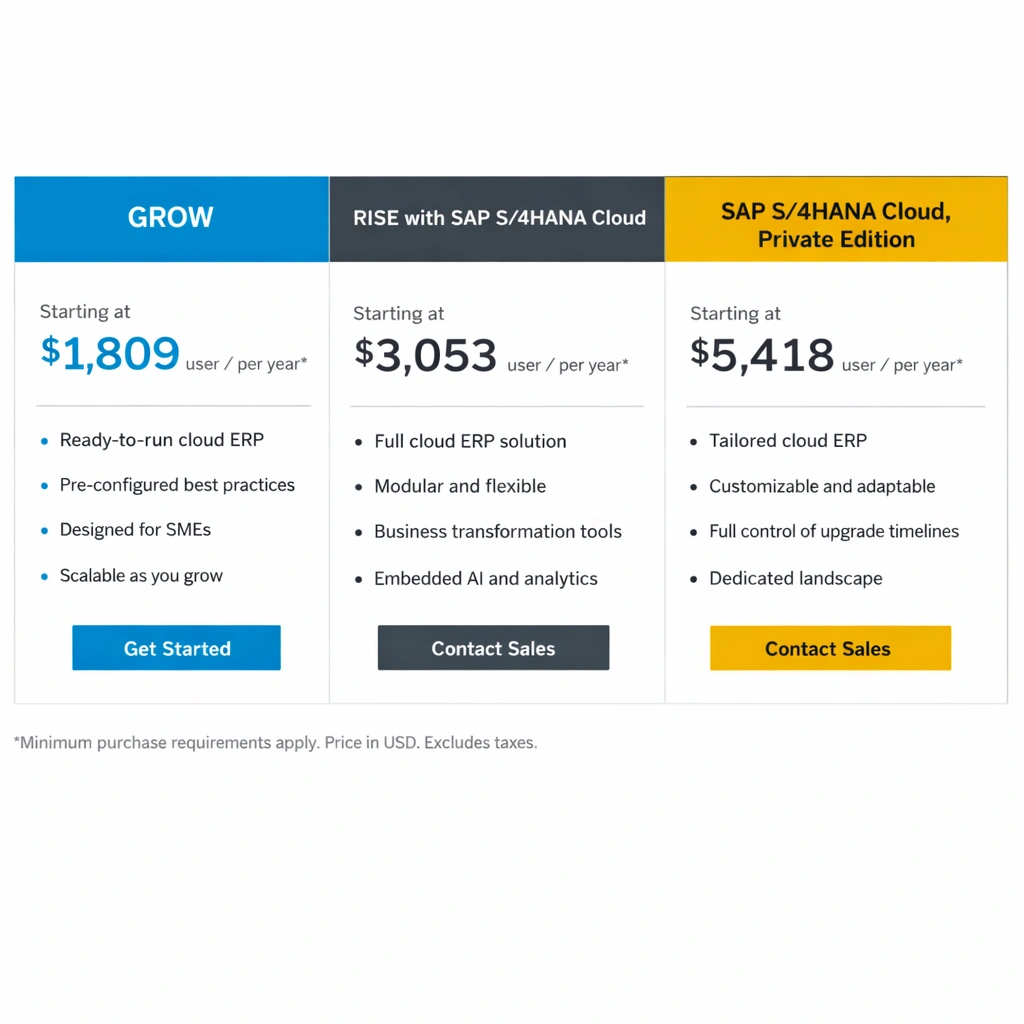
SAP moved its primary licensing model from perpetual licenses — where you pay once and own the software — to a subscription-based model under SAP S/4HANA Cloud. This shift has significant implications for how you model the total cost of ownership over a three to five year horizon.
Named user licenses
SAP charges per named user, with different license types carrying different price points based on the level of system access they require.
Professional users — employees who create transactions, run reports, and manage master data — carry the highest per-user cost. Expect a range of $150 to $300 per user per month for S/4HANA Cloud Professional user licenses, depending on contract volume and negotiated terms.
Limited users — employees who primarily read data, approve workflows, or perform a narrow set of transactions — are priced lower, typically in the $75 to $150 per user per month range.
Developer users — technical resources who build configurations and custom objects — require separate licensing that varies based on the development environment.
The critical mistake entrepreneurs make at this stage is underestimating user counts. Every person in your organization who touches SAP — even to approve a purchase order — requires a license. Map your actual user population across every department before accepting any license count in a vendor proposal.
Engine-based licensing
Beyond named users, certain SAP capabilities are licensed as engines rather than per user. Document management, workflow automation, and analytics modules sometimes carry separate engine licensing fees that do not appear in the headline per-user number. Ask specifically about engine licensing for every module you are activating.
implementation services
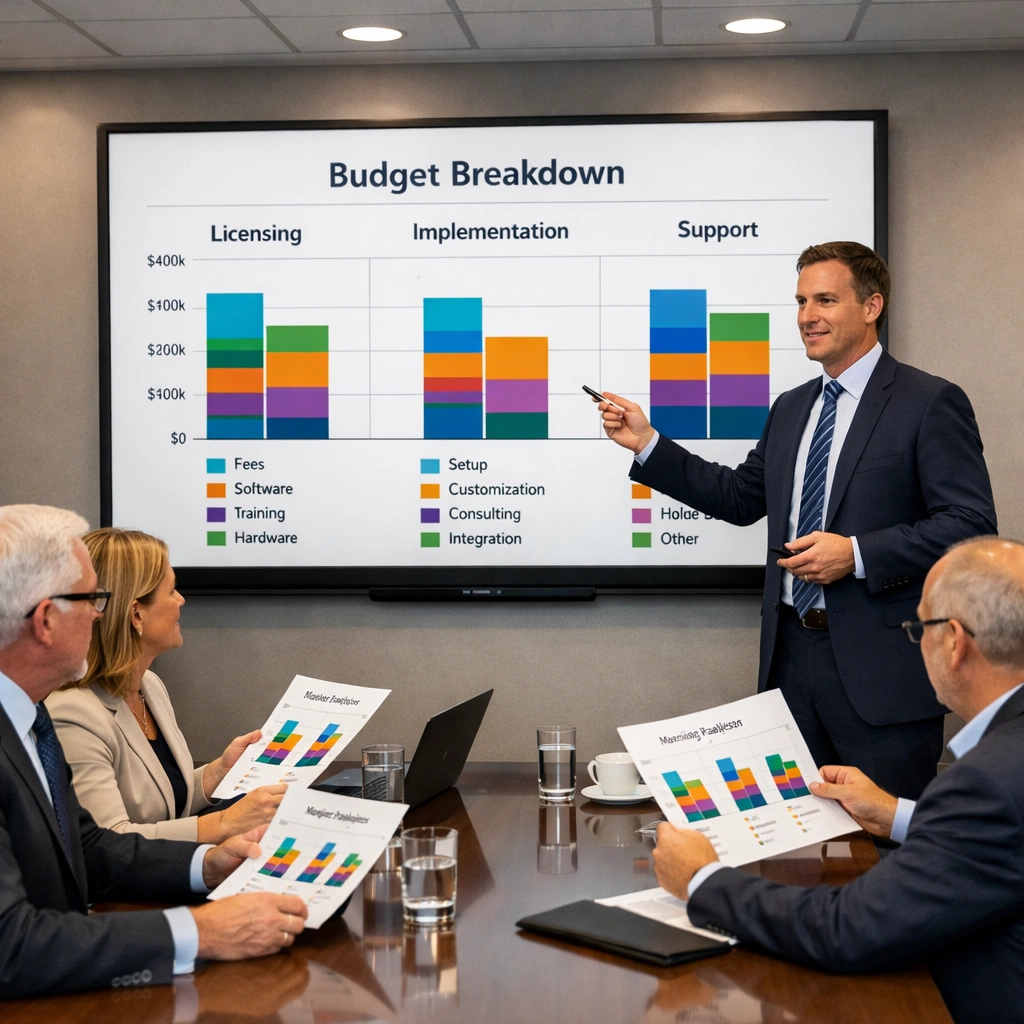
Implementation services typically represent the largest single line item in an SAP ERP investment, often exceeding the software licensing cost by a ratio of two to one or higher for complex deployments.
Implementation costs are driven by three variables: project scope, system complexity, and the billing rates of your chosen implementation partner.
Typical implementation cost ranges by company size
For a small to mid-sized business deploying a core SAP S/4HANA suite — FI, CO, MM, SD, and HCM — across a single location with clean data, implementation costs in 2025 typically fall in the following ranges.
Companies with 50–150 employees: $150,000 to $400,000 in implementation services, assuming a phased deployment starting with finance and operations modules.
Companies with 150–500 employees: $400,000 to $1,200,000, depending on the number of modules, integration complexity, and volume of custom development required.
Companies with 500+ employees: $1,200,000 and above, with enterprise-scale deployments at global companies regularly exceeding $5,000,000 in implementation services alone.
These ranges assume a reputable mid-market implementation partner. Global system integrators — Deloitte, Accenture, IBM — charge premium rates that push these numbers significantly higher. For entrepreneurs who do not require the brand assurance of a Big 4 partner, regional SAP implementation firms often deliver comparable quality at meaningfully lower billing rates.
The module selection decisions you make before implementation begins directly control where your project lands within these ranges. The SAP ERP modules guide that maps functional components to business stage provides the framework for making those decisions before you receive your first proposal.
infrastructure
Infrastructure costs depend entirely on your deployment model. SAP offers three primary deployment options in 2025, and each carries a different infrastructure cost profile.
SAP S/4HANA Cloud (public cloud)
The public cloud model is a multi-tenant, software-as-a-service deployment managed entirely by SAP. Infrastructure costs are bundled into the subscription fee, which simplifies budgeting but reduces configuration flexibility. This is typically the lowest-infrastructure-cost entry point for smaller businesses.
SAP S/4HANA Cloud (private cloud)
The private cloud model runs on dedicated infrastructure — either SAP’s own data centers or a hyperscaler like AWS, Microsoft Azure, or Google Cloud — managed by SAP or a certified partner. Infrastructure is billed separately and adds $2,000 to $15,000 per month depending on system size, performance requirements, and the number of environments in your landscape.
SAP S/4HANA on-premise
On-premise deployment requires your organization to own or lease the physical or virtual servers, manage the operating system and database layer, and handle all infrastructure maintenance. For companies with existing data center infrastructure and a strong internal IT team, on-premise can be cost-competitive over a long time horizon. For companies without that infrastructure, the capital and operational costs make it the most expensive option.
The infrastructure decision also has direct implications for the SAP ERP implementation process. Cloud deployments follow a more standardized implementation methodology with fewer infrastructure variables to manage. The SAP ERP implementation roadmap that covers deployment-specific considerations breaks down how deployment model choice affects project timeline and complexity.
training and change management
Training is consistently the most under-budgeted line item in SAP ERP projects. It is also one of the most direct determinants of whether the business actually gets value from the system after go-live.
SAP training costs break into two categories.
End user training
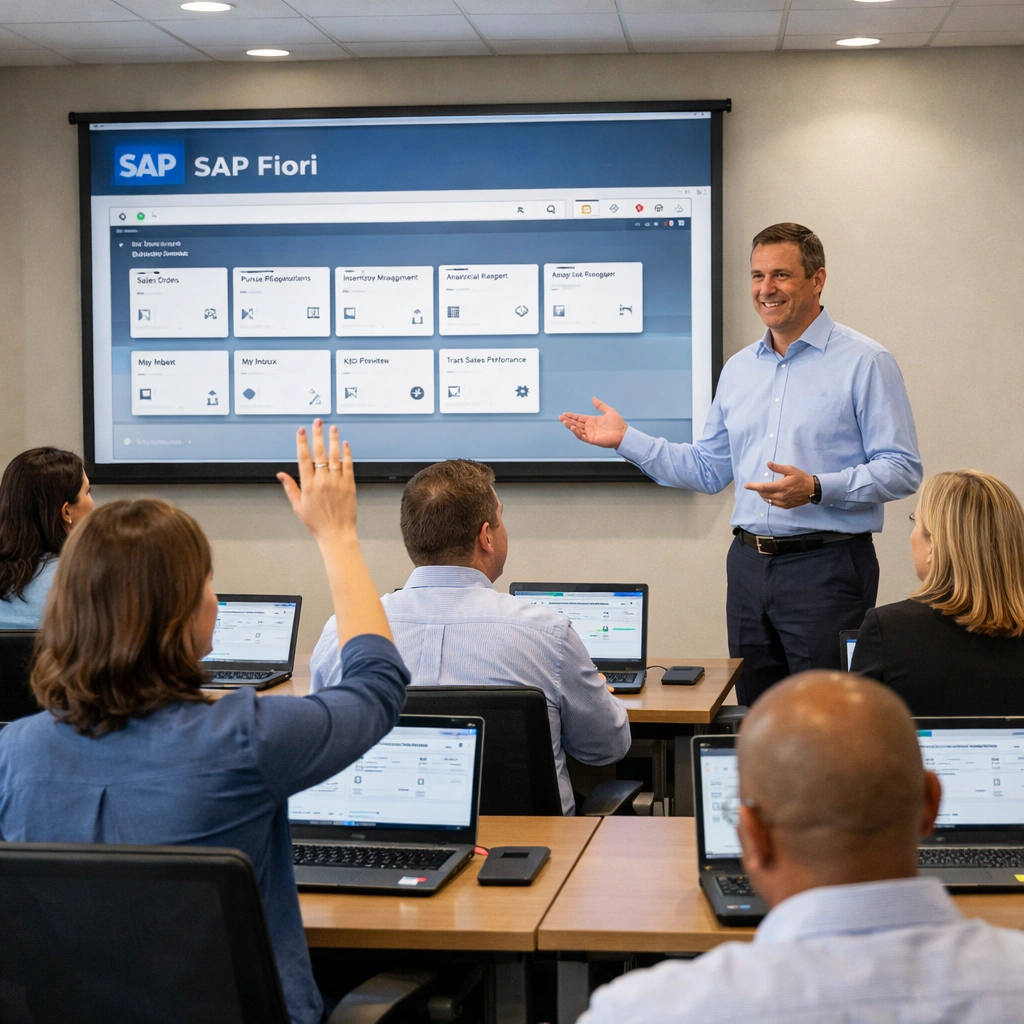
End user training prepares your employees to perform their daily tasks in SAP. The cost depends on user count, the number of distinct roles being trained, and whether training is delivered by your implementation partner, an SAP training center, or internal resources who have been trained to train others.
Budget $500 to $1,500 per user for a structured end user training program. For a 100-person organization, that translates to $50,000 to $150,000 in training investment — a number that frequently gets cut during budget negotiations and frequently causes post-go-live adoption problems as a result.
Change management
Change management is the organizational process of preparing your people for a fundamentally different way of working. It includes stakeholder communication, process documentation, resistance management, and executive alignment activities.
Companies that skip formal change management in favor of “we’ll just train people on the new system” consistently report lower user adoption, higher error rates in the first six months, and a longer time to productivity after go-live.
Budget change management as a separate line item, not as a subset of training. For a mid-market implementation, $30,000 to $80,000 for a structured change management program is a reasonable range.
ongoing support and maintenance
The go-live date is not the end of your SAP ERP cost obligation. Ongoing support and maintenance represent a predictable annual expense that must be factored into the total cost of ownership calculation.
SAP maintenance fees
For cloud deployments, maintenance is bundled into the subscription fee. For on-premise deployments, SAP charges an annual maintenance fee — historically 22% of the total license value — which covers software updates, patches, and access to SAP support resources.
Application management services
Beyond SAP’s own maintenance fees, most businesses require ongoing application management services from an external partner or internal SAP team. Application management covers day-to-day system administration, break-fix support, minor configuration changes, and user access management.
For a mid-market SAP environment, application management services typically cost $3,000 to $12,000 per month, depending on system complexity and the agreed service level.
Upgrade and enhancement costs
SAP releases regular updates, and major version upgrades require project-level effort to implement safely. Budget a separate reserve for upgrade projects — typically 15% to 25% of your original implementation cost every three to four years for a managed upgrade cycle.
Building a realistic three-year total cost of ownership
A three-year total cost of ownership model is the only financially honest way to evaluate an SAP ERP investment. One-year numbers consistently understate the real commitment.
For a representative mid-market company — 150 employees, core module suite, private cloud deployment — a realistic three-year total cost of ownership in 2025 looks approximately like this.
Year one: Software licensing ($180,000) + Implementation services ($600,000) + Infrastructure ($60,000) + Training and change management ($120,000) = approximately $960,000.
Years two and three: Software licensing ($360,000 combined) + Infrastructure ($120,000 combined) + Application management ($144,000 combined) + Enhancement budget ($90,000 combined) = approximately $714,000.
Three-year total cost of ownership: approximately $1,674,000.
That number is not designed to discourage. It is designed to create an honest baseline for ROI calculation. If SAP ERP eliminates $600,000 per year in operational inefficiency — through reduced headcount in manual reconciliation roles, faster financial close cycles, lower inventory carrying costs, and improved procurement pricing — the investment case is straightforward.
If the ROI case cannot be made clearly at those numbers, the conversation should shift to whether SAP is the right platform at this stage, or whether a more targeted solution addresses the immediate operational gaps at a lower entry cost.
For businesses evaluating SAP against other enterprise platforms on exactly this dimension, the SAP ERP vs competitors comparison that breaks down value across the metrics that matter provides the side-by-side analysis.
Conclusion
SAP ERP cost is not a barrier for the right business. It is a commitment that demands honest budgeting across all five cost categories — licensing, implementation, infrastructure, training, and ongoing support. The businesses that walk into vendor negotiations with a fully loaded three-year model are the ones that sign contracts reflecting reality rather than optimism.
The goal is not to minimize what you spend. The goal is to spend confidently on what delivers measurable return, and to refuse to fund line items that serve your vendor more than your operations.
