
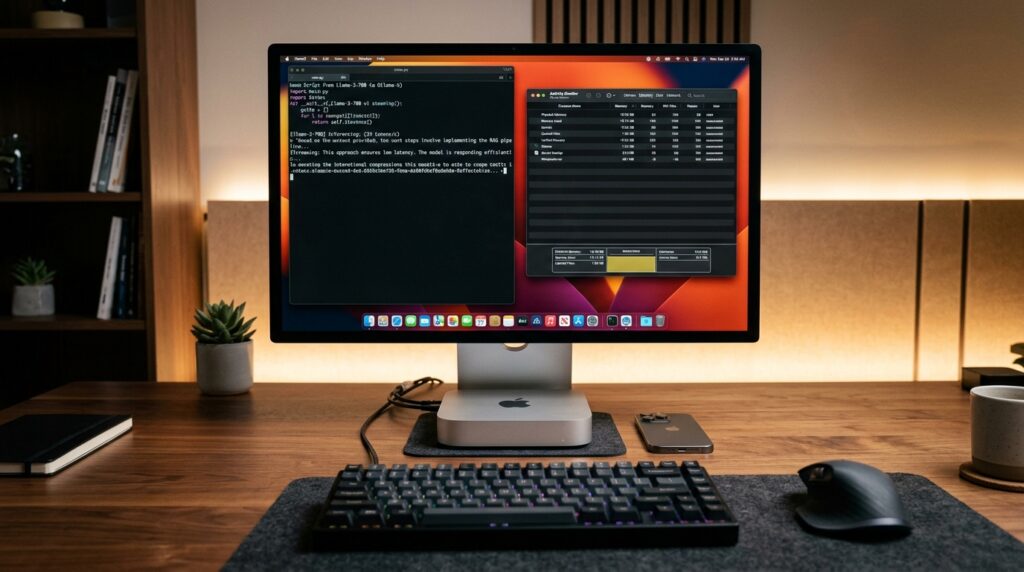
With Apple’s introduction of the M6 and M5 Pro Mac mini hardware lineup (scheduled for general availability on September 22, 2026), software engineers and local artificial intelligence practitioners face a practical workstation question: how does Apple’s unified memory architecture compare against dedicated desktop GPUs for on-device LLM inference? While unified memory eliminates rigid PCIe VRAM capacity limits, operational deployment remains governed by memory bus bandwidth, macOS GPU working-set ceilings, and KV cache scaling. In this sizing guide, we analyze architectural memory budgets, bandwidth-based token throughput estimates, and model tier compatibility across 16GB, 24GB, 32GB, 48GB, and 64GB configurations based on Apple’s published specifications.
Published: September 20, 2026 | Technical analysis by Brian Walsh, Principal AI & Systems Architect | Pre-release engineering sizing estimates based on published architectural specifications; will be updated with published benchmarks and community testing following retail hardware delivery.
⚡ Quick Answer: Which Mac mini Spec Do You Actually Need?
- Base 16GB M6 ($899 entry / ~$1,099 for 512GB): Designed for 8B models at Q4_K_M (~4.9GB) or Q8_0 (~8.5GB) and 12B–14B models at Q4 at standard 8K context. 8B FP16 weights (~16GB) cannot run resident on a 16GB system. Extended 32K context requires 4-bit quantization to remain within the default ~12GB Metal working set. Cannot host 27B+ models without heavy SSD swap pressure.
- 24GB M6 (~$1,099 for 256GB / ~$1,299 for 512GB): The entry point for 27B–30B models. Accommodates sparse Mixture of Experts like
Qwen3-Coder-30B-A3B(~18.6GB) and dense 27B models at moderate context lengths once the macOS GPU allocation ceiling is expanded viasysctl. - 32GB M6 (~$1,299 for 256GB / ~$1,499 for 512GB): Balanced Developer Tier. Accommodates dense 27B–32B models (such as
Qwen2.5-Coder-32Bat Q4_K_M ~19.9GB) up to ~16K context. Pushing dense 32B to 32K context generates ~8 GiB of FP16 KV cache (reaching ~28GB total), requiring quantized KV cache (--cache-type-k q8_0 --cache-type-v q8_0) or sysctl tuning to prevent system memory paging. - 48GB to 64GB M5 Pro (starts at $1,699 for 24GB base): Large-Model Tier. Features 307 GB/s memory bandwidth (~1.8x–2x faster token decode than base M6). The 48GB tier fits dense 32B models at Q8_0 (~34.5GB) and 70B models at Q3_K_M (~34.5GB) via sysctl tuning. The 64GB tier accommodates Llama-3.3-70B at Q4_K_M (~43–47GB with context), requiring expanding the default 48GB Metal working-set ceiling via
sysctl.
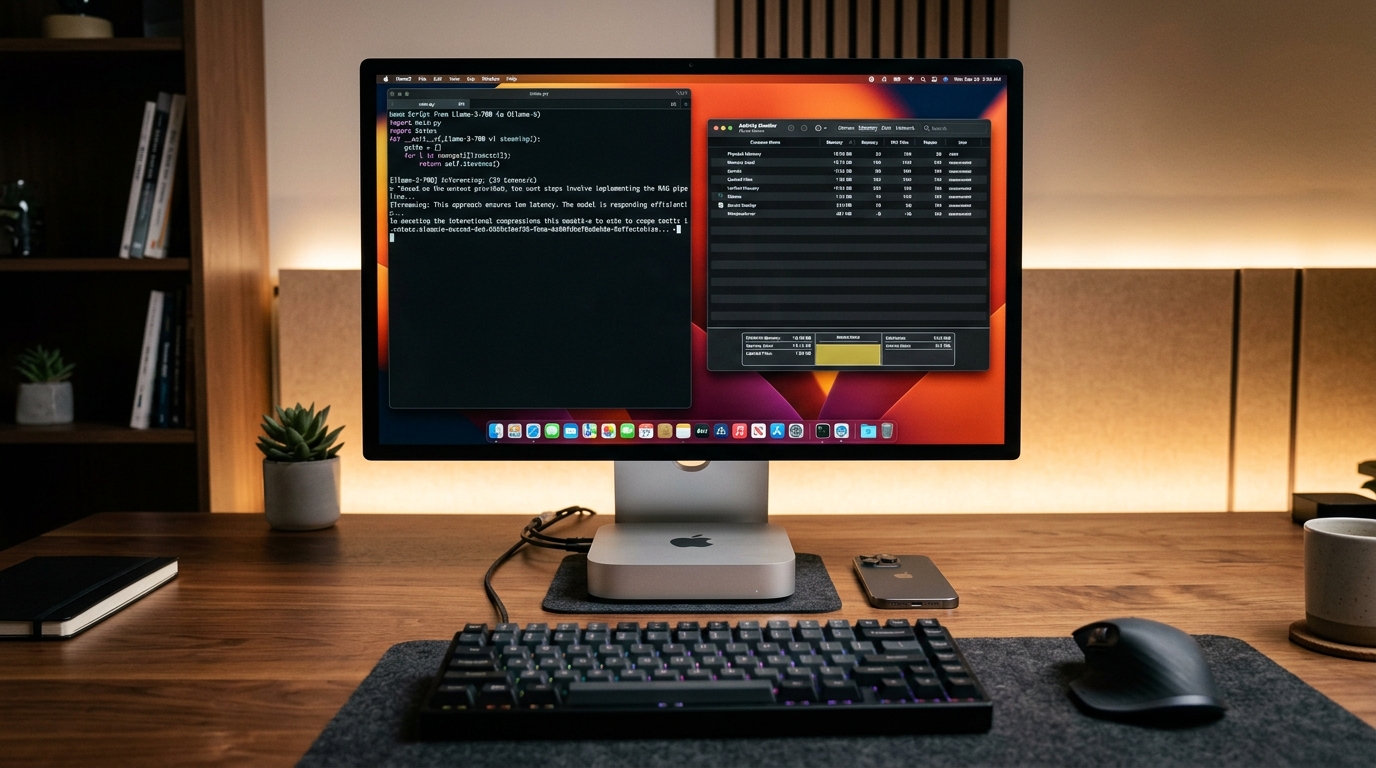
Unified Memory Sizing Matrix: What Actually Fits on Apple Silicon?
Unlike dedicated Nvidia graphics cards that feature isolated High-Bandwidth Memory (GDDR6X/GDDR7), an Apple Silicon Mac shares a single unified memory pool between the CPU, Neural Engine, and Metal GPU. Many Apple Silicon systems expose a recommended GPU working-set limit (recommendedMaxWorkingSetSize) below total physical memory—historically around 70%–75% by default—to ensure that macOS, the window server, display compositing, and background processes maintain uninterrupted headroom.
The table below outlines practical sizing estimates across Mac mini hardware tiers, assuming standard 8,192 (8K) token context buffers:
| Mac mini Configuration | Default GPU Working-Set Cap | Max Safe Model Weight | Representative Models (100% Resident) | Memory Profile |
|---|---|---|---|---|
| M6 (16GB Unified) $899 (256GB) / ~$1,099 (512GB) Bandwidth: 153–170 GB/s depending on config |
~11.5 GB – 12.0 GB | ~9.5 GB | Llama-3.1-8B (Q4_K_M ~4.9GB / Q8_0 ~8.5GB) Gemma 4 12B (Q4_K_M ~7.8GB) |
100% Native Metal (8K ctx; 32K requires Q4) |
| M6 (24GB Unified) ~$1,099 (256GB) / ~$1,299 (512GB) Bandwidth: 153–170 GB/s depending on config |
~17.5 GB – 18.0 GB | ~16.0 GB (default) ~19.5 GB (tuned sysctl) |
Qwen3-Coder-30B-A3B MoE (Q4_K_M ~18.6GB) Qwen3.6-27B Q4 (~16.8GB at 8K ctx) |
Requires sysctl tuning for 30B MoE |
| M6 (32GB Unified) ~$1,299 (256GB) / ~$1,499 (512GB) Bandwidth: 153–170 GB/s depending on config |
~23.5 GB – 24.0 GB | ~21.5 GB | Qwen3.6-27B (Q4/Q5) Qwen2.5-Coder-32B (Q4_K_M ~19.9GB) Gemma 4 31B (Q4_K_M ~19.5GB) |
Native Metal up to ~16K Ctx (32K needs Q-KV) |
| M5 Pro (48GB Unified) Build-to-order upgrade tier Bandwidth: 307 GB/s |
~35.0 GB – 36.0 GB | ~33.5 GB (default) ~38.0 GB (tuned sysctl) |
Qwen2.5-Coder-32B (Q8_0, ~34.5GB) Llama-3.3-70B (IQ3_M / Q3_K_M, ~34.5GB) |
Requires sysctl tuning (~38GB) for 32B Q8 / 70B Q3 |
| M5 Pro (64GB Unified) Top Mac mini tier (from $1,699 base) Bandwidth: 307 GB/s |
~46.0 GB – 48.0 GB | ~43.0 GB (default) ~54.0 GB (tuned sysctl) |
Llama-3.3-70B (Q4_K_M, ~43GB weights + 4GB KV) Dense 32B models @ Q8_0 + deep context |
70B Resident (Requires sysctl expansion) |
sysctl overrides enables larger models to load, but requires preserving at least 4GB (on 16–24GB systems) to 8GB (on 48–64GB systems) of physical memory for core macOS operations to avoid memory pressure or system instability.For a cross-platform comparison with dedicated desktop GPUs, consult our comprehensive sizing benchmark: Which LLMs Can You Actually Run on 16GB, 24GB, and 32GB VRAM? The Realistic Hardware Guide.
Memory Bandwidth Physics: How Fast Will Tokens Stream?
In local LLM execution, generation throughput during batch-1 autoregressive decoding is primarily governed by memory bus bandwidth. Because the processor must sweep across active model parameters in memory to generate each token, generation speed during single-stream decode is heavily bandwidth-bound:
Dense Upper Bound (tok/s) ≈ Memory Bandwidth (GB/s) ÷ Resident Model Size (GB)
MoE Memory Bound (tok/s)  ≈ Memory Bandwidth (GB/s) ÷ Active Parameter Weights (GB)
The MoE Advantage on Bandwidth-Constrained Hardware:
The distinction between dense architectures and sparse Mixture of Experts (MoE) is particularly pronounced on Apple Silicon. While a dense 30B–32B parameter model requires transferring ~18GB–20GB across the memory bus for every generated token, a sparse MoE model like Qwen3-Coder-30B-A3B activates only 3.3B parameters (~2.0GB in 4-bit) during decoding. Consequently, on bandwidth-constrained hardware like the Mac mini M6 (153–170 GB/s), sparse MoE models stream tokens substantially faster (estimated at ~18–24 tok/s) compared to dense 32B models (~5.5–7.0 tok/s), as analyzed in our Qwen3-Coder-30B-A3B Local Setup Guide.
The table below provides theoretical bandwidth limits and estimated token decode speeds across Apple Silicon and desktop GPUs:
| Platform & Architecture | Published Bandwidth | Model Architecture & Quantization | Estimated Decode Speed |
|---|---|---|---|
| Apple Mac mini M6 (16GB / 24GB / 32GB) | 153–170 GB/s depending on config | Llama-3.1-8B Q4 (~4.9GB) Dense 27B/32B Q4 (~17–20GB) Qwen3-Coder MoE (~3.3B active) |
20 – 25 tok/s 5.5 – 7.0 tok/s 18 – 24 tok/s |
| Apple Mac mini M5 Pro (48GB / 64GB) | 307 GB/s | Gemma 4 12B Q4 (~8GB) Dense 32B Q4 (~20GB) Qwen3-Coder MoE (~3.3B active) Llama-3.3-70B Q4 (~43GB) |
20 – 26 tok/s 10.5 – 13.5 tok/s 35 – 45 tok/s 4.5 – 5.5 tok/s |
| Apple Mac mini M4 (Previous-gen 24GB) | 120 GB/s | Dense 27B Q4 (~17GB) Qwen3-Coder MoE (~3.3B active) |
3.5 – 4.5 tok/s 14 – 18 tok/s |
| Apple Mac Studio M5 Max (Alternative) | 460 – 614 GB/s (config dependent) | Llama-3.3-70B Q4 (~43GB) | 7 – 11 tok/s (config dependent) |
| Apple Mac Studio M5 Ultra (High-End Studio) | 1,200 GB/s | Llama-3.3-70B Q4 (~43GB) | 17 – 21 tok/s |
| Nvidia RTX 4090 (24GB Desktop GPU) | 1,008 GB/s | Dense 27B/32B Q4 (~18–20GB) Qwen3-Coder MoE (~3.3B active) |
32 – 38 tok/s 65 – 75 tok/s |
Managing the macOS GPU Working-Set Limit
On Apple Silicon, macOS dynamically manages the memory pool addressable by Metal graphics and compute pipelines. If a model’s resident weights and KV cache exceed the default working-set limit, local runtimes (such as Ollama or llama.cpp) will report insufficient GPU memory, resulting in CPU offload fallback or severe disk swap.
Community Kernel Parameter Tuning (iogpu.wired_limit_mb):
Practitioners frequently adjust the addressable Metal threshold via the terminal using the sysctl utility based on community testing:
# For 24GB Mac mini (allocates ~20GB to GPU, preserves ~4GB for system):
sudo sysctl iogpu.wired_limit_mb=20480

# For 32GB Mac mini (allocates ~27GB to GPU, preserves ~5GB for system):
sudo sysctl iogpu.wired_limit_mb=27648

# For 48GB Mac mini M5 Pro (allocates ~40GB to GPU, preserves ~8GB for system):
sudo sysctl iogpu.wired_limit_mb=40960

# For 64GB Mac mini M5 Pro (allocates ~56GB to GPU, preserves ~8GB for system):
sudo sysctl iogpu.wired_limit_mb=57344
Operational Nuance: This parameter resets upon system reboot and reflects community tuning practices rather than an Apple-prescribed setting. Over-allocating memory leaves insufficient physical headroom for the kernel, window server, and background services, which can cause severe memory pressure, UI lag, beachballs, and abrupt system restarts. On any system, always preserve at least 4GB of headroom (on 16GB–24GB tiers) to 8GB of headroom (on 48GB–64GB tiers) for core operating system operations. Note that memory allocation behavior is based on historical Apple Silicon architecture and should be re-verified on upcoming macOS releases (including macOS 27) and production M6 firmware upon general availability.
Runtime Selection on Apple Silicon: MLX vs. llama.cpp vs. Ollama
Extracting practical efficiency from unified memory depends heavily on your choice of inference runtime:
- Apple MLX (Native Apple Framework): Developed by Apple’s machine learning research team specifically for Apple Silicon. Operates natively on 4-bit and 8-bit quantized weights via the
mlx-communityrepository. While MLX can achieve high throughput and fast prompt processing (prefill) on supported architectures, relative performance compared to optimized C++ engines varies based on model architecture, context depth, and quantization paths. - llama.cpp (Metal Backend): The standard for portable GGUF inference. Highly optimized Metal compute kernels, efficient memory mapping (
mmap), and granular runtime flags (including--cache-type-k,--cache-type-v, and--cpu-moe) provide deep control across all Apple Silicon generations. - Ollama (Developer Convenience): Wraps a tuned llama.cpp backend with automated model pulling and API management. As detailed in Ollama’s memory management documentation, Ollama dynamically sets default context window allocations according to available memory tiers (<24 GiB typically defaults to 4K context, 24–48 GiB scales up to 32K context), providing an accessible local serving environment.
For deeper architectural analysis of local serving frameworks, explore our guide: vLLM vs. Ollama vs. SGLang 2026 Benchmark Guide.
Mac mini Hardware Selection Guide for Local AI
If you are planning a hardware purchase for local model inference, balance memory sizing against your workflow requirements and budget (all prices reflect approximate USD MSRP; verify configurations on Apple’s official store):
| Target Use Case | Recommended Configuration | Approximate Pricing (USD) | Architectural Consideration |
|---|---|---|---|
| Daily Coding & Assistant Tasks (8B / 12B models, rapid completions) |
Mac mini M6 (16GB Unified) | Starts at $899 (256GB SSD) ~$1,099 (512GB SSD) |
Suited for 8B–14B models; cannot host 27B+ parameter architectures without swap. |
| Balanced Developer Workstation (Qwen3.6-27B, MoE 30B, 8K–16K ctx) |
Mac mini M6 (32GB Unified) | ~$1,299 (256GB SSD) ~$1,499 (512GB SSD) |
153–170 GB/s bandwidth bounds dense 32B generation to ~5.5–7.0 tok/s. Extended 32K context requires quantized KV cache. |
| Large Models & Multi-Agent Workflows (Dense 32B @ Q8_0, Llama-3.3-70B Q3/Q4) |
Mac mini M5 Pro (48GB / 64GB) | Base 24GB starts at $1,699; 48GB/64GB are build-to-order upgrades |
307 GB/s bandwidth provides ~1.8x–2x faster decode; 64GB runs 70B models locally with sysctl working-set adjustment. |
| Dedicated 70B Studio Alternative (High-memory desktop workstation) |
Mac Studio M5 Max (128GB Unified) | Starts at $2,499 (36GB base); 128GB configs reach ~$5,399 |
Higher memory bandwidth (460–614 GB/s) delivers ~7–11 tok/s on 70B models in a dedicated studio chassis. |
Authoritative Sources & Technical Documentation
For official hardware specifications, framework implementations, and model weight repositories, reference these technical resources:
- Apple Official Releases: Apple Newsroom Announcements detailing the M6 Mac mini, M5 Pro, and M5 Ultra specifications, unified memory bandwidth tiers, and architectural feature sets.
- Apple MLX Framework: Official Apple MLX GitHub Repository and the Hugging Face MLX Community model repository.
- llama.cpp Apple Metal Backend: Official llama.cpp GitHub Repository documenting Metal kernel dispatch, unified memory mapping, and macOS kernel parameter optimization.
- Ollama Context & Memory Documentation: Official Ollama Context Length & Memory Tiers documenting context buffer scaling and memory allocation.
- Model Documentation: Official repositories for Qwen3-Coder-30B-A3B-Instruct and the Ollama Qwen2.5-Coder Model Library.
Frequently Asked Questions
Can the base 16GB M6 Mac mini run 27B models using sub-3-bit quantization?
While an aggressively quantized 2-bit model can theoretically fit within ~9GB of resident memory, extreme compression introduces noticeable degradation in programming syntax and multi-step reasoning. On a 16GB machine, practical performance is achieved using 8B–14B models (such as Llama-3.1-8B at Q8_0 or Gemma 4 12B at Q4_K_M) where precision and reasoning fidelity remain intact.
Is the Mac mini M5 Pro with 64GB Unified Memory worth the price jump over the 32GB M6?
If your workflow requires running 70B parameter models locally (such as Llama-3.3-70B-Instruct at Q4_K_M), the M5 Pro with 64GB is required, as the standard M6 physically caps out at 32GB. Furthermore, the M5 Pro doubles memory bandwidth to 307 GB/s, delivering roughly 1.8x to 2x faster token generation across all model sizes.
Does heavy SSD swap wear out internal storage on Apple Silicon Macs?
Yes. When a local LLM exceeds available physical memory, macOS continuously swaps activation tensors and model layers to internal NVMe flash storage. Sustained swap thrashing not only drops generation throughput below 0.5 tokens/second, but also accelerates write cycles on soldered Mac mini SSDs.
Should I buy an M6 Mac mini or a used RTX 3090 (24GB) desktop for local AI?
A used RTX 3090 system provides 936 GB/s memory bandwidth (streaming dense 27B models at ~28–35 tok/s), but consumes 350W–450W under load and requires a full desktop tower with active cooling. The Mac mini M6 operates quietly in a compact desktop form factor under low operating power, making it suited for compact desktop environments and continuous 24/7 background agent workflows.
Final Verdict
The Apple Mac mini remains an energy-efficient platform for local artificial intelligence development. For engineers operating within tight budgets, the $899 16GB M6 runs 8B–14B models smoothly. For developers seeking to run 27B–32B coding models natively, the 32GB M6 ($1,299+) provides the necessary unified memory buffer without excessive swap risk. For practitioners requiring 70B parameter deployment, the 64GB M5 Pro delivers the required capacity and memory bandwidth in a compact desktop form factor.

2 Responses
Thank you for the documentation about the M6 release
Glad it helped! Really looking forward to seeing how the actual memory bandwidth holds up once retail units ship. What models or setup are you planning to test on it?